Hover Design
Design and sell in seconds
Build confidence and beat the competition—visualize home renovations in 2D and 3D using real materials.
Video description: video of hover design platform from photo upload to design inspiration and customization
Show homeowners what's possible
Realistic designs
Show your customer how their finished project will look—don’t just talk about it. Add photos of your customer’s home to apply styles, materials, and paint in 2D and 3D.
Real styles and products
Show only the styles and materials you sell from thousands of products from 30+ brands you use and trust.
Real results
Align with homeowners from the start. Build trust, upsell services, and improve your close rates. Want to qualify better leads? Add Hover Design to your website in 10 minutes.
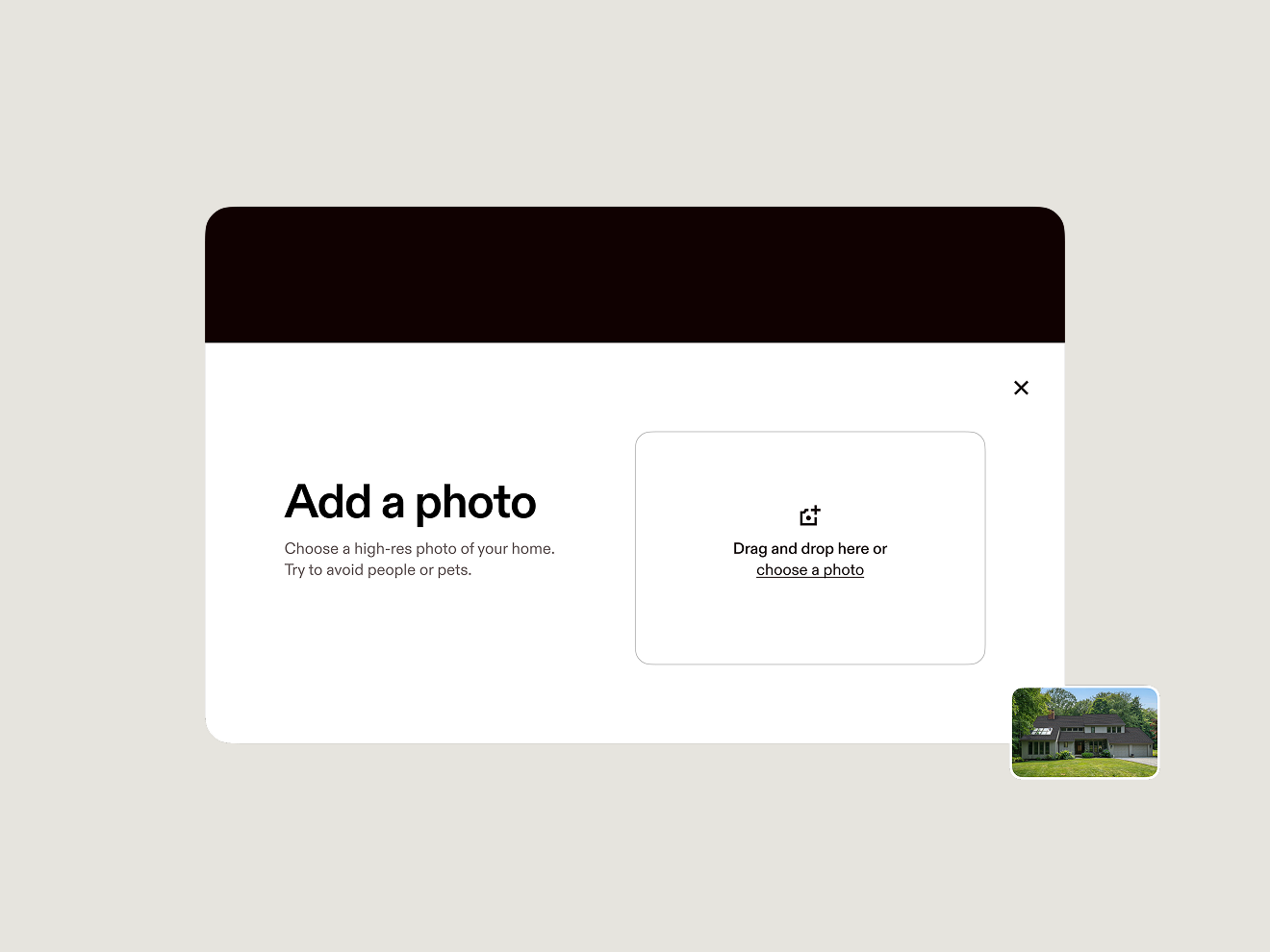
From photo to 2D design
- Upload just one photo to get started, no design experience required.
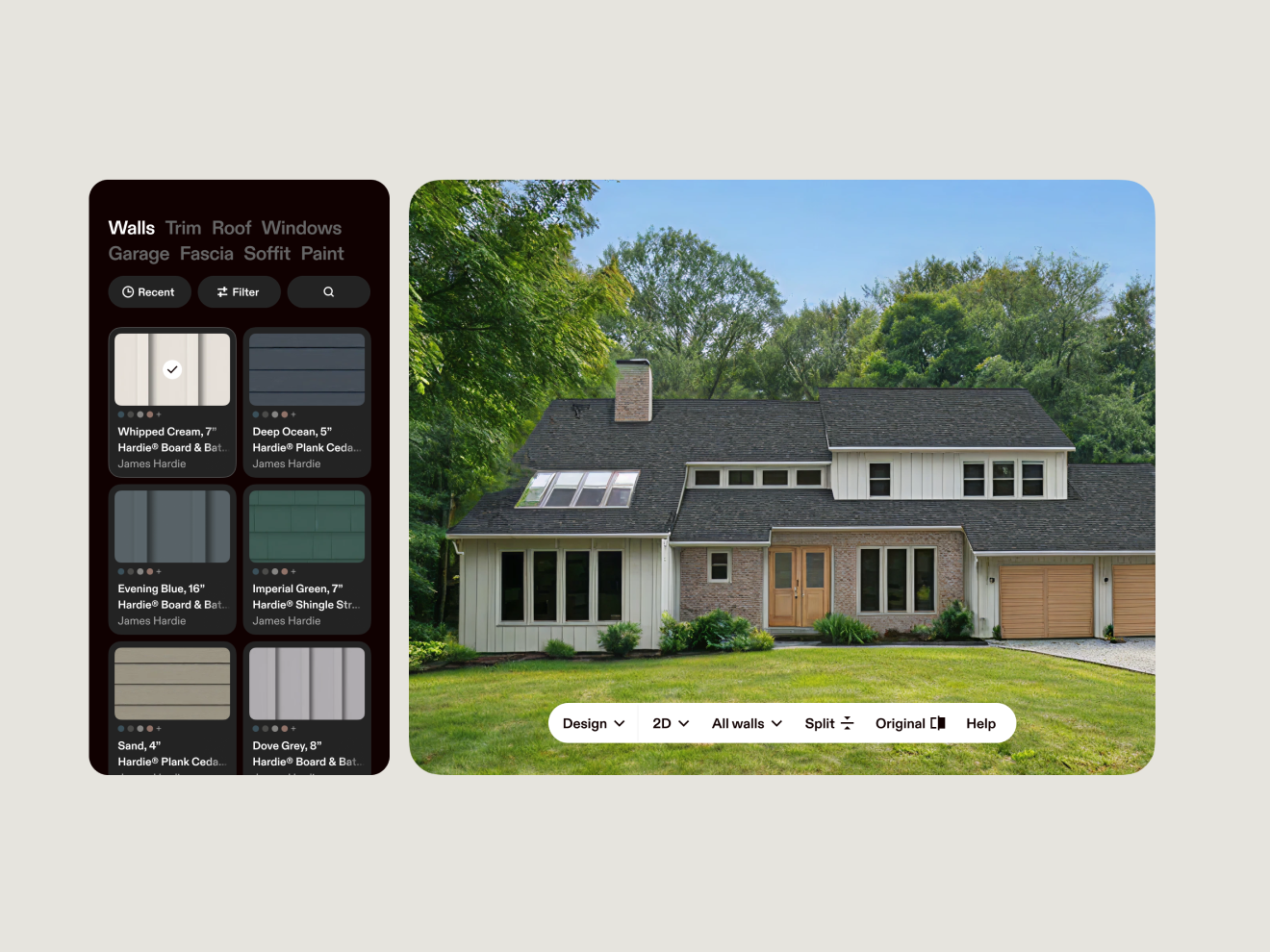
- Hover Design inspires homeowners with 2D photo-real designs on their own home.
- Design with the product catalog configured to your trades, featuring top materials and brands.
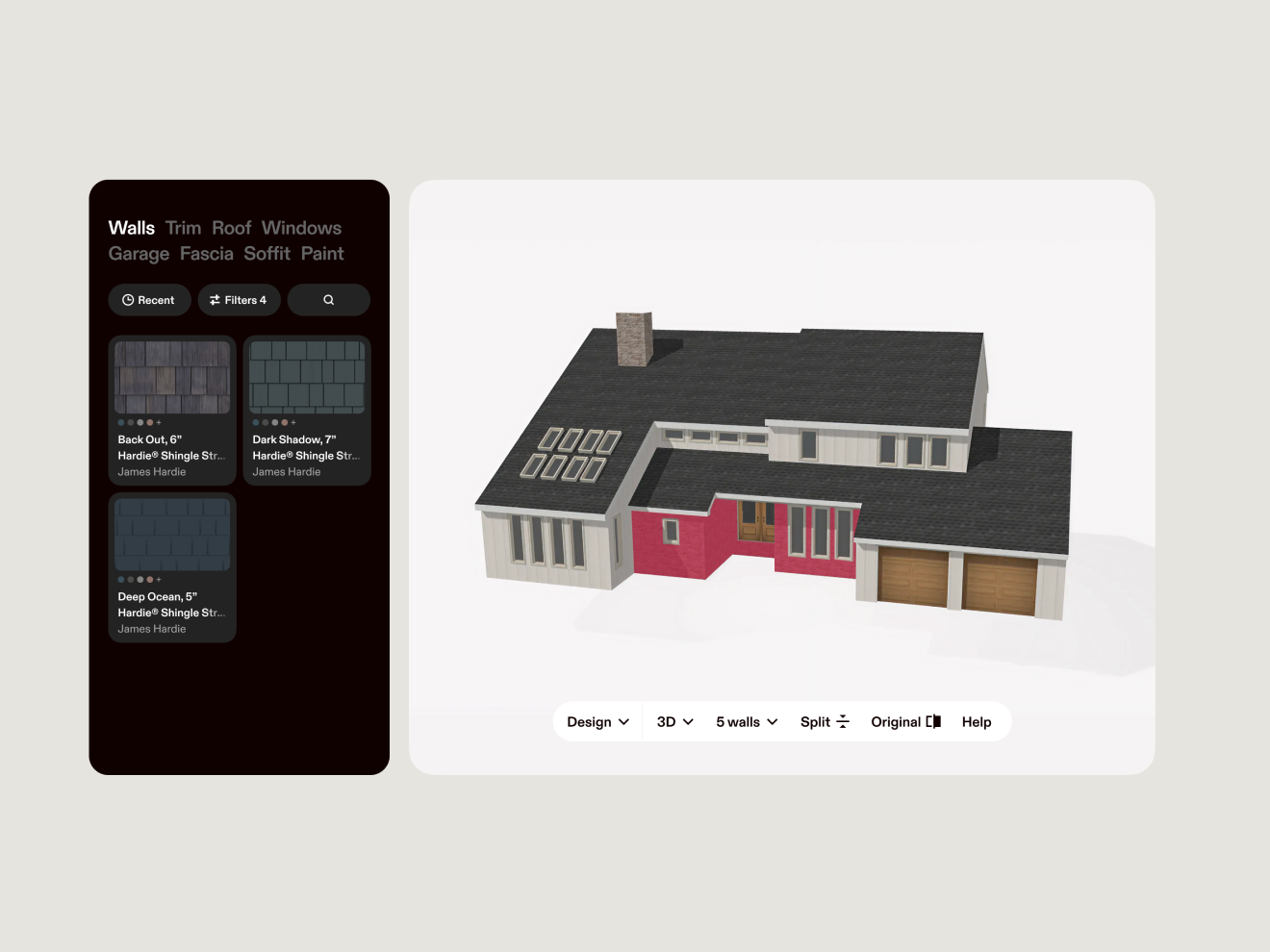
Design from any angle
- After completing the scan, view your 2D designs on a detailed 3D model with a single click.
- Easily search and filter materials by brand, color, type, and more.
Customize every detail in 3D
- Select individual or multiple facets to apply materials quickly.
- Split walls and trim facets, add decorative knee walls or belly bands, and convert to trims and vice versa.
- Upgrade doors, garages, windows, and remove shutters with just a few clicks.
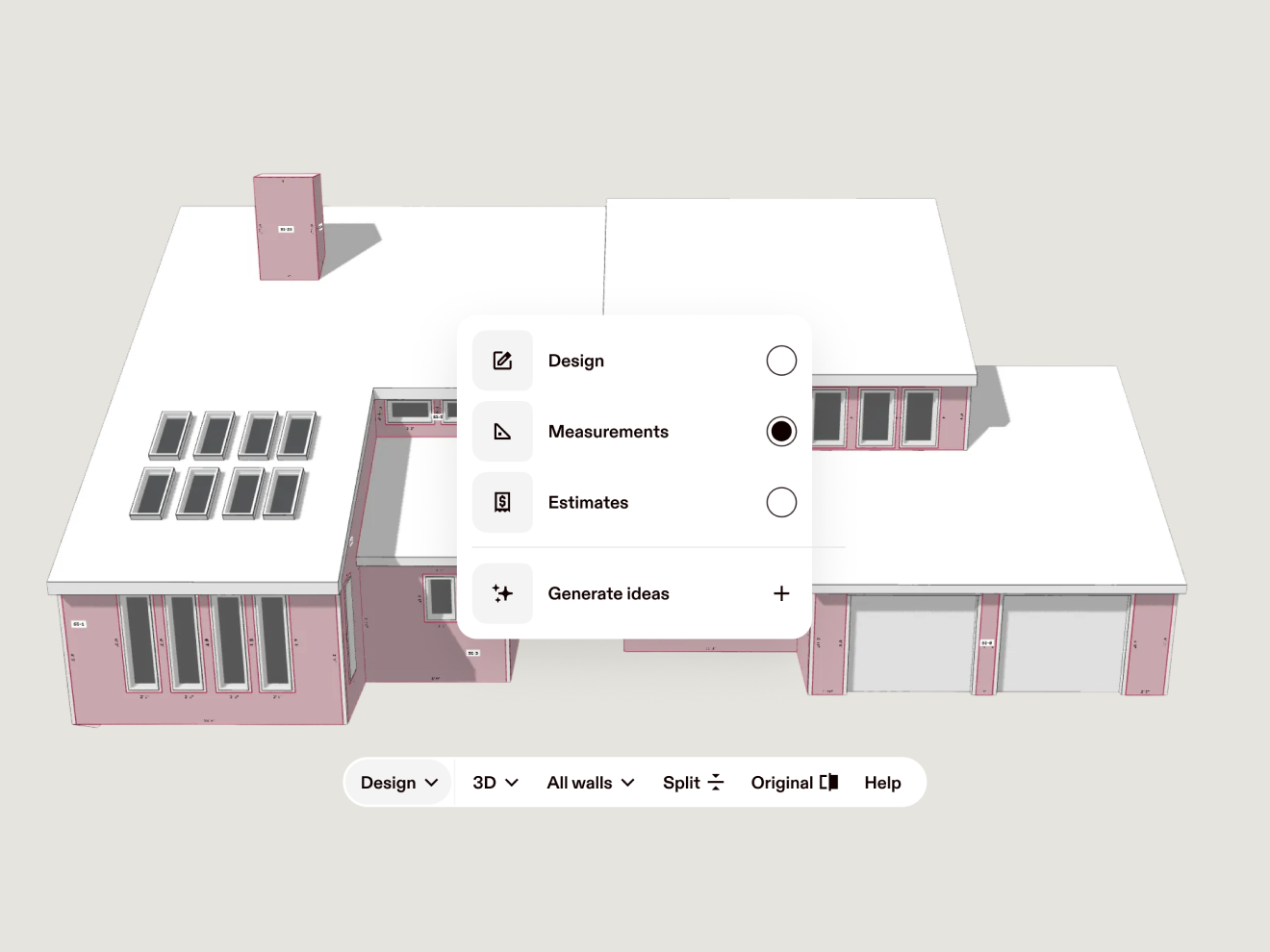
Switch between design and measurements
- 3D Design gives homeowners confidence to say yes and helps installers plan precisely.
- Toggle between 3D Design and Measurements with just one click.
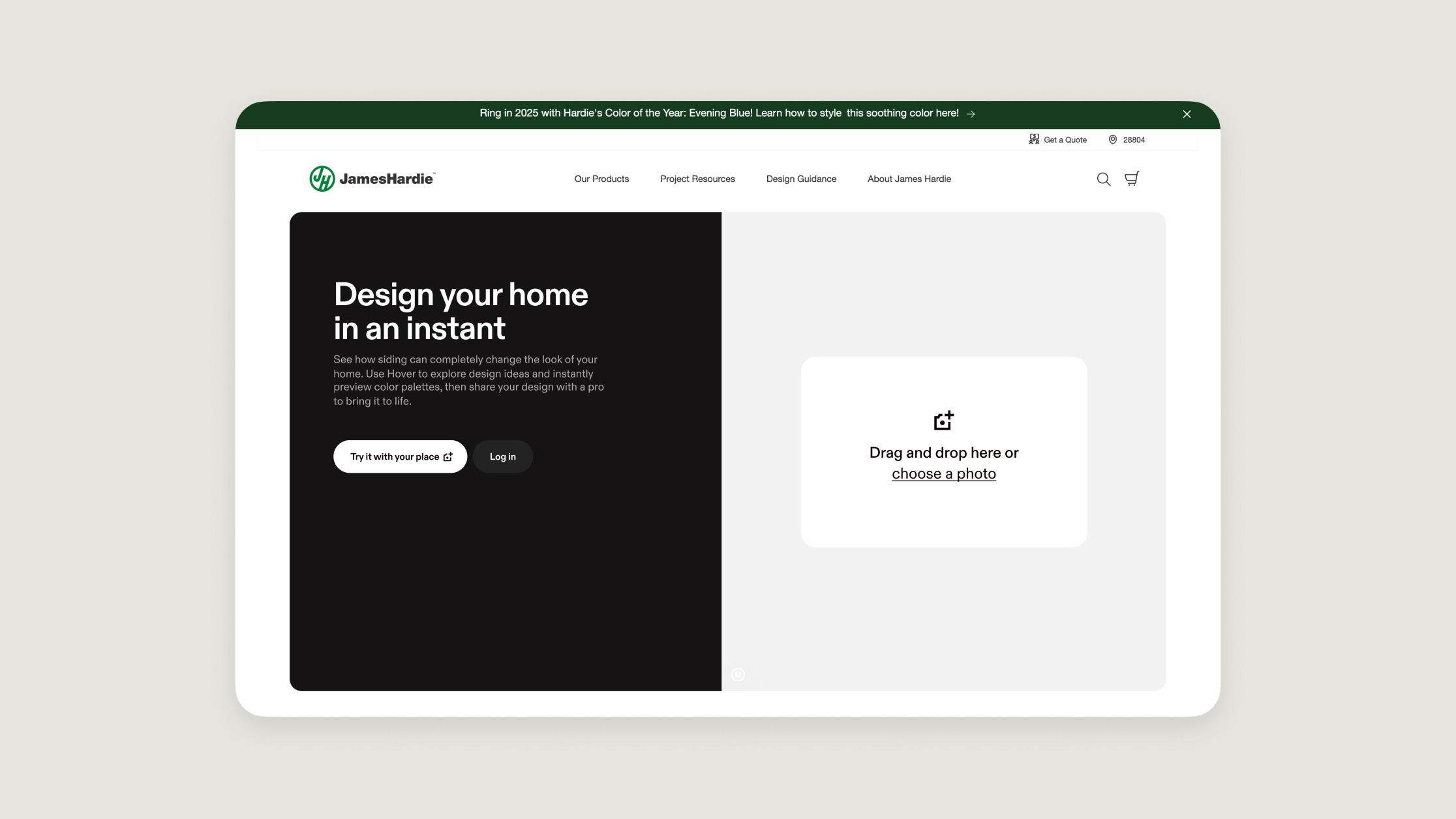
Embed Hover Design on your website
Qualify better leads and improve your overall sales metrics when homeowners use Hover Design Embed.

Brands you use and trust
Visualize 30 brands and tens of thousands of products you already sell.
Proven to grow your business
10M+
homes scanned by Hover.
300K+
construction professionals trust Hover.
22B+
square feet measured and modeled.
Try Hover Pro
Unlimited simple projects, premium features like Hover Design and Estimates, and automatic volume discounts for your busiest seasons.
FAQ
Hover Design is a visualization feature that helps you show renovation options in 2D and 3D using real product styles and materials. Homeowners can make decisions faster, and you can move jobs forward with confidence.
2D mode is built for fast inspiration and selling:start from a photo and create designs in seconds. 3D mode is built for scoping:design on a full 360° model to apply materials with more spatial context.
In 3D mode, you can start with a quick scan (which typically takes just a few minutes) and then design a full 3D model. It’s ideal for scoping and presenting options with greater depth and detail.
Yes. Hover lets you toggle between Design and Measurements so homeowners can see the vision while installers and teams can plan with the details they need—without rebuilding the project.
You can customize designs at a detailed level. Apply materials to individual or multiple facets, split walls and trim areas, add accents (like bands), and update elements like doors, garage doors, windows, and shutters.
Hover Design is built to showcase realistic, homeowner-friendly visuals using real products and materials. Final appearance can still vary based on lighting, installation, and exact product selection, but it’s designed to align everyone on the intended result.
Yes. Hover Design can be configured so you’re showing the styles and materials you sell, pulled from a large catalog across many brands—so the homeowner is choosing from real options you can deliver.
Yes. You can embed Hover Design on your site, allowing customers to engage with a design experience directly on your domain—helping turn interest into conversations and leads. It’s designed to be lightweight to launch on your site, without the need for significant engineering help.
Yes. Hover Design is made to be collaborative, so you can share a design direction, align on options, and get homeowner buy-in earlier in the process.