Hover Design for Homeowners
Visualize your project from start to finishVisualize your project from start to finish
Scan your space to see design inspiration, customize your designs, and get measurements and estimates to make it real.

Upgrade your renovation process
Visualize your project in 2D and 3D
See what your space will look like before you sign. Try new styles on your actual home and generate endless options in seconds.
Get better cost estimates
Scan your home to get accurate measurements, better estimates, and fewer surprises down the line.
Collaborate with your contractor
Share the full picture of your project and keep everything organized in one place.
Simple to get started
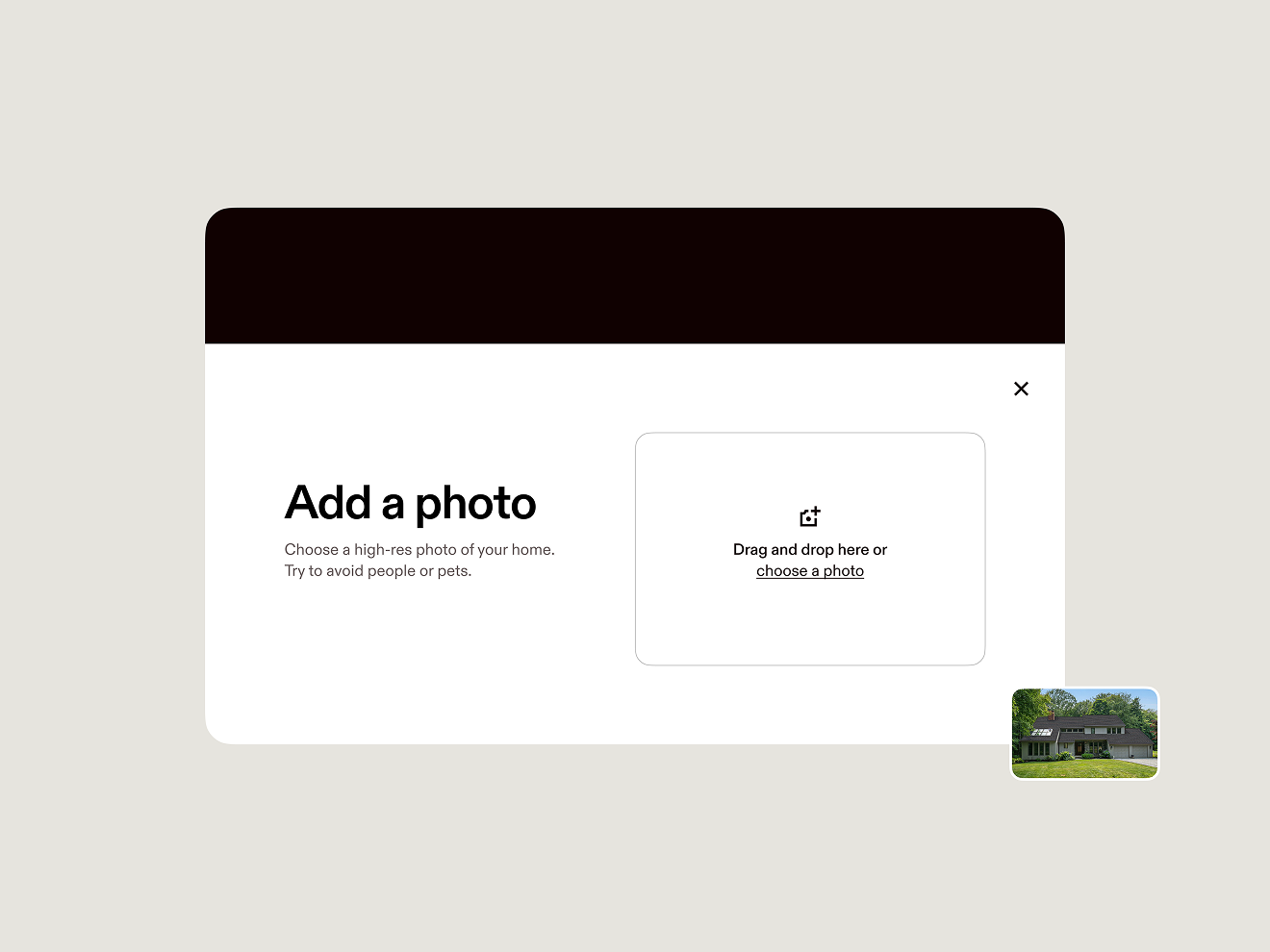
- Add a photo to start designing in 15 seconds or less.
- Build, edit, and approve plans all in one place.
Designs you can build on
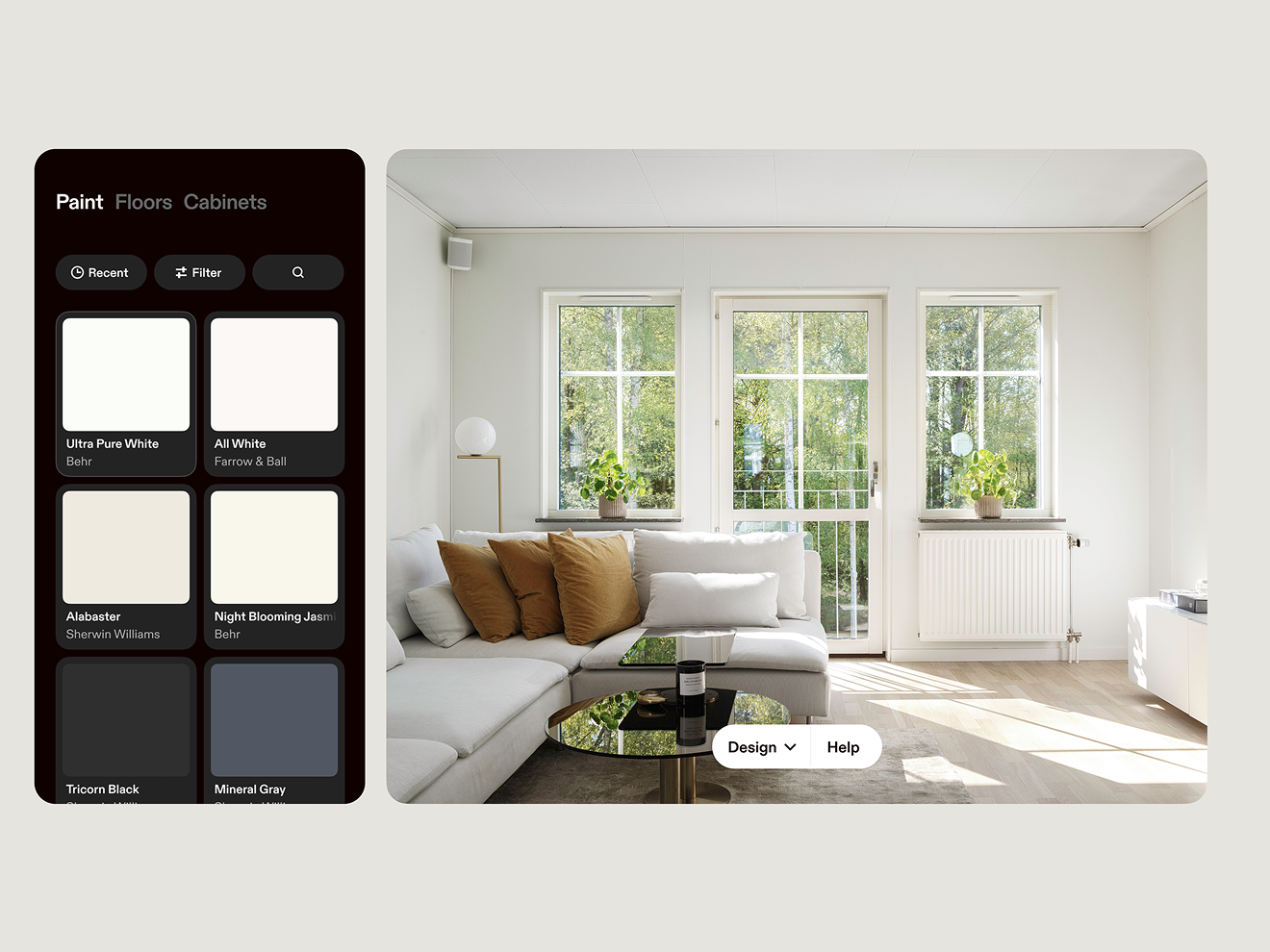
- Apply popular interior and exterior styles to your photo to see how they could look in real life.
- Explore trending color palettes and try them on your walls in seconds.
Design from every angle in 3D
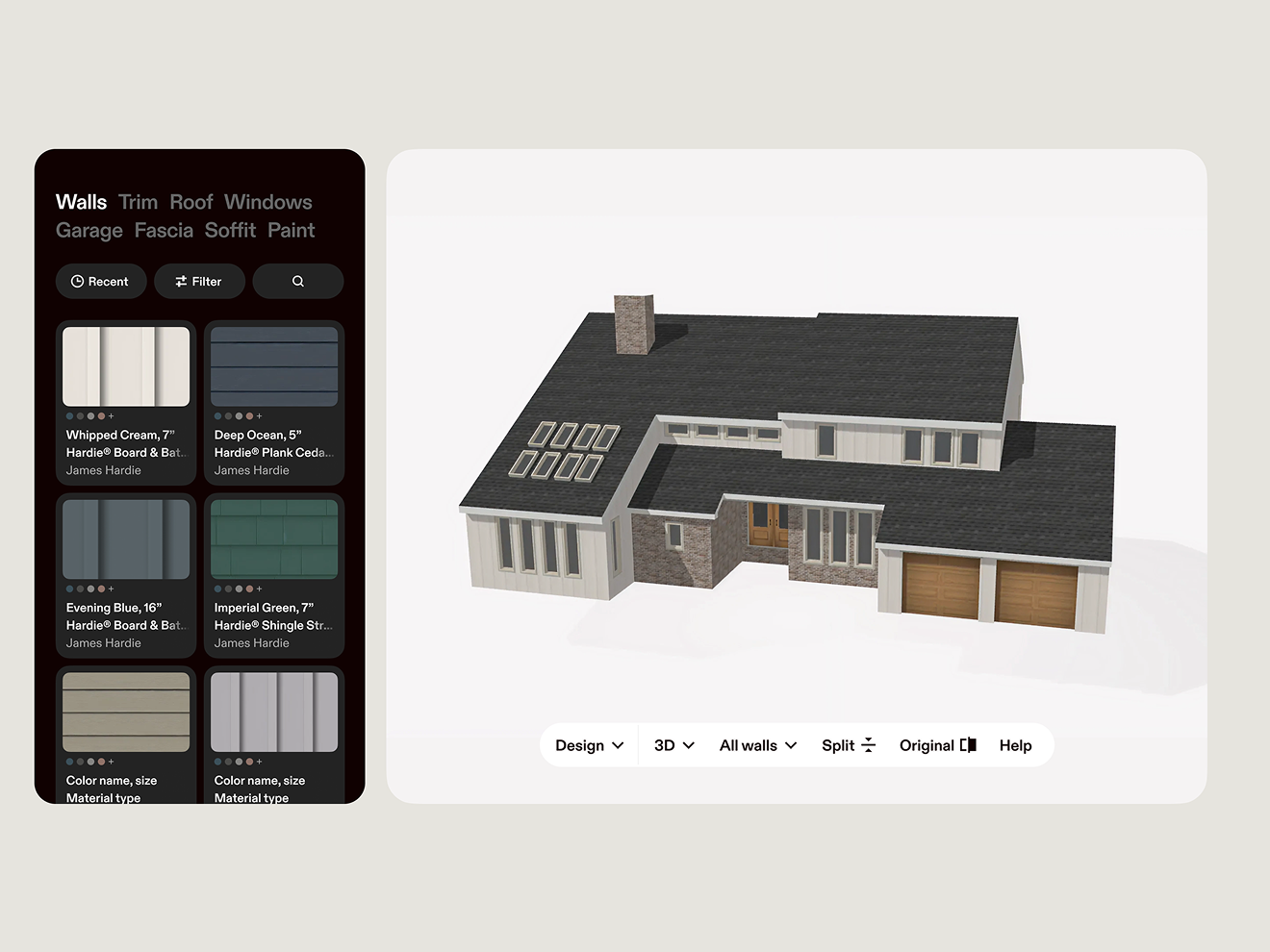
- Scan your home right from your phone to create a free, detailed 3D model.
- Customize every detail from roof to flooring, then see how it looks on every side of the space.
- Show your contractor exactly what you want.
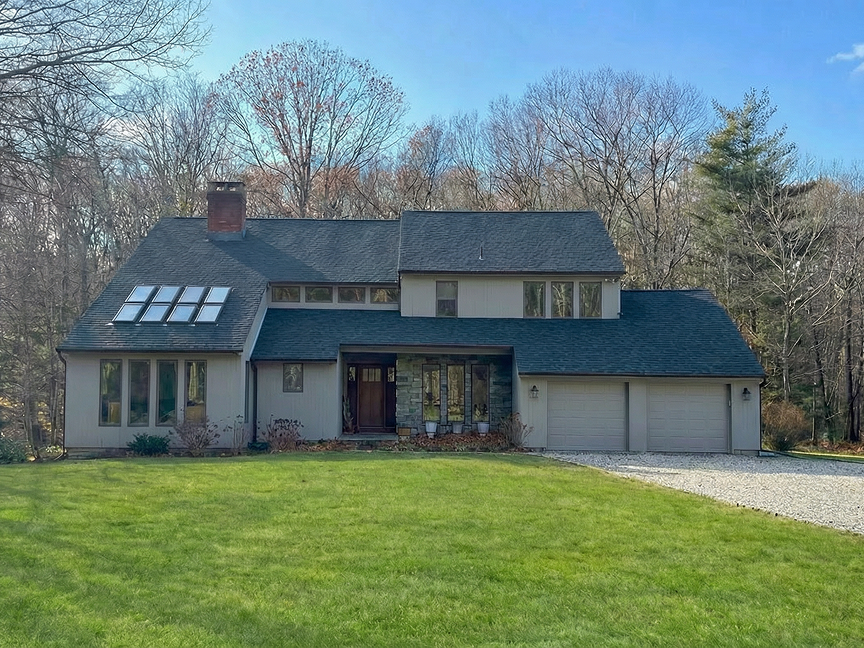
Realistic designs, real results
Before
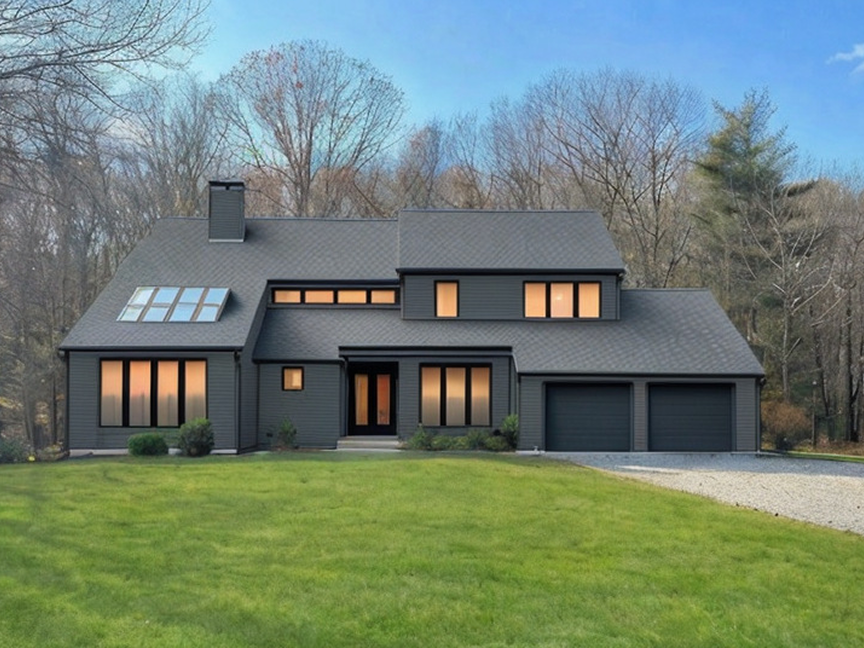
Hover Design
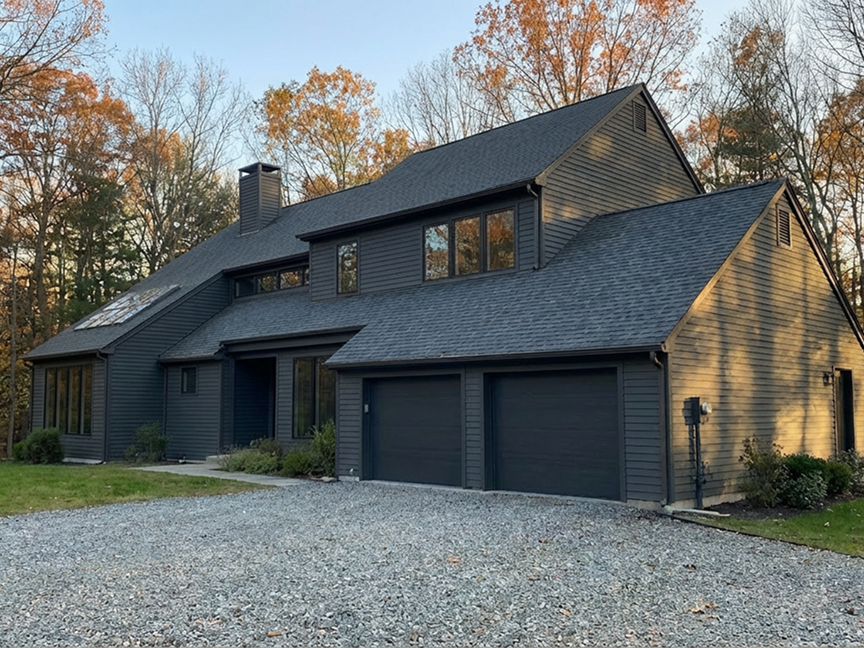
After
Start designing with Hover
Try Hover Design free for your first project. Explore pricing plans for other design solutions here.
FAQ
Hover Design lets you visualize updates on your own home in 2D and 3D, so you can explore ideas and make confident decisions before you buy materials or hire a contractor.
You start by uploading a photo or scanning your home with your phone, then you can try different styles, colors, and materials, and view the results in 2D or 3D.
You can visualize common areas like walls, trim, roof, windows, garage, fascia, soffit, and paint—depending on the project and the design options available.
Hover Design is built to help you visualize realistic possibilities on your own home. Final results can vary based on real-world conditions, product availability, and installation.
Yes. By capturing your space and design choices, Hover can help support more informed planning and better cost estimates—especially when sharing details with a contractor.
Yes. You can share your design choices so others can see what you mean, align on scope, and reduce back-and-forth during planning.
It’s quick—many users can start designing in seconds by uploading a photo, and scanning your home for a 3D model can typically be done right from your phone.
All you need is a smartphone (to scan) or a photo (to upload) and an internet connection. No special design software experience is required.