The right project management software depends on the work your business runs. Roofing and exterior contractors may prioritize CRM, estimating, production, and supplier workflows. Remodelers may need selections, change orders, and longer project schedules. Service businesses may care more about dispatch and recurring work. The comparison below groups platforms by those use cases so contractors can evaluate fit rather than chase a single “best” option.
One factor is easy to overlook: how measurements and takeoffs enter the system. Project management software can only manage the quantities it receives, so it is worth checking whether measurements flow in directly and accurately or need to be entered manually.
Key takeaways
- AccuLynx and JobNimbus are oriented toward roofing and exterior workflows.
- Buildertrend, Houzz Pro, JobTread, and Contractor Foreman cover broader residential construction and remodeling workflows.
- Jobber and ServiceTitan emphasize scheduling, dispatch, and service operations.
- Half of these platforms publish their pricing, and half quote by request. Houzz Pro, JobTread, Contractor Foreman, and Jobber list their plans. Buildertrend, AccuLynx, JobNimbus, and ServiceTitan quote by request.
- Four of these platforms accept Hover Measurements directly: JobTread, AccuLynx, JobNimbus, and ServiceTitan.
What does project management software do for a home improvement contractor?
Project management software brings estimates, schedules, subcontractors, change orders, and project costs into one workflow so sales, operations, and production can work from the same project information.
The US Bureau of Labor Statistics describes the work as preparing cost estimates, budgets, and work timetables, then selecting subcontractors and scheduling and coordinating their activities. In a small contracting business, several of those responsibilities may sit with the same owner, estimator, or project manager. Project management software is where that work lives, and where it can be handed to someone else.
Operations discipline is worth more than it was three years ago. Harvard's Joint Center for Housing Studies projects homeowner spending on improvements and repairs of $523 billion in early 2027, growth of 0.5%, below overall inflation. When market growth slows, operational discipline matters more. Contractors have less room for missed scope, weak job costing, or project handoff errors that erode margin.
What should a home improvement contractor look for in project management software?
Look for coverage of the work you sell, estimating and cost tracking you trust, a mobile experience your crew will actually use, a clear path for measurements to enter the platform, and a pricing model that still works at the headcount you are hiring toward.
There were 128,000 remodeling firms in the US at the start of 2025, up from 69,000 in 2000, according to the National Association of Home Builders. That growth has produced a crowded software category, so similar feature lists can hide meaningful differences in workflow, pricing, and field adoption.
Coverage of the work you actually sell
Roofing-focused platforms often prioritize leads, estimating, production, supplier workflows, and insurance-related processes. Remodeling platforms are more likely to emphasize selections, allowances, change orders, and longer project schedules.
Choose based on the workflows your team uses most often, not the longest feature list.
Estimating and cost tracking you trust
Job costing is one of the clearest ways to see whether the platform helps your team protect margin. Check whether the estimate, the purchase order, and the actual invoice all reconcile inside the platform, and whether you can see the variance on a project while it is still open rather than after it closes.
A mobile experience the crew will use
Field adoption decides whether the platform is a system of record or an expensive archive. Test the mobile workflow with the people who will actually use it in the field. Daily logs, photos, time entry, and task updates need to be quick enough that crews will actually complete them.
How measurements and takeoffs get in
Every schedule, material order, and budget starts from quantities. Ask whether the platform reads measurements from a measurement platform directly, or whether a person retypes roof planes and siding areas into it. That is one of the clearest differences in the comparison below.
Pricing model and how it scales
Some platforms publish plans and some quote by request. Read the model rather than the number: a flat monthly base plus a charge per additional internal user behaves differently at 12 users than a plan banded at 10, and a per-technician price behaves differently again once you add a second crew.
Which project management platforms do home improvement contractors use?
This comparison covers eight widely used or relevant platforms for home improvement contractors: AccuLynx, JobNimbus, JobTread, Buildertrend, Houzz Pro, Contractor Foreman, Jobber, and ServiceTitan. They are grouped by use case rather than ranked.
|
Platform |
Common use case |
What it covers |
How Hover Measurements get in |
Pricing model |
|
AccuLynx |
Roofing contractors doing residential retail and insurance restoration work |
CRM, estimating, proposals, production scheduling, supplier ordering, job costing, invoicing, payments |
Direct integration. AccuLynx links job records and Hover Measurements into the platform |
Quote by request |
|
JobNimbus |
Roofing, siding, gutter, and exterior contractors |
Lead and sales management, estimates, proposals, scheduling, work orders, invoicing, payments, profit tracking |
Direct integration. Order a Hover scan inside JobNimbus, and the 3D model and Measurements attach to the project |
Quote by request, in four plans banded by seats |
|
JobTread |
Builders, remodelers, and specialty contractors who want pricing published up front |
CRM, estimating, takeoff, contracts, budgeting, change orders, job costing, purchase orders, scheduling, daily logs, customer and vendor portals |
Native integration, built and maintained by JobTread |
Published. Flat monthly base plus a charge per additional internal user, with volume breaks |
|
Buildertrend |
Residential builders and remodelers running several projects at once |
Sales and CRM, scheduling, daily logs, change orders, punch lists, estimating, budgeting, job costing, purchase orders, client and subcontractor portals |
Not listed in Hover's integration directory. Attach Measurements to the project as a file |
Quote by request. Unlimited users and projects included |
|
Houzz Pro |
Design-led remodelers and contractors who sell on visuals |
3D floor plans, takeoffs, estimates, contracts, selections, procurement, scheduling, invoicing, payments, lead generation |
Not listed in Hover's integration directory. Attach Measurements to the project as a file |
Published. Three tiers plus a free plan, with a per-additional-user add-on |
|
Contractor Foreman |
Small and mid-sized residential and commercial contractors watching cost |
Scheduling, daily logs, punch lists, work orders, estimates, takeoffs, change orders, purchase orders, subcontracts, time cards, submittals |
Not listed in Hover's integration directory. Attach Measurements to the project as a file |
Published. Five plans banded by user count, monthly or annual |
|
Jobber |
Home service operations built around scheduling and dispatch |
Quoting, invoicing, payments, scheduling and dispatch, CRM, client portal, online booking, reporting |
Not listed in Hover's integration directory. Attach Measurements to the project as a file |
Published. Four plans by included users, plus a rate per additional user |
|
ServiceTitan |
Residential and commercial service contractors with more complex dispatch and operations needs |
Dispatch and scheduling, CRM, proposal builder, estimating and job costing, service agreements, invoicing, payments, purchasing and inventory, project management |
Direct integration. Send a ServiceTitan project to Hover and Measurements sync back to the linked project |
Quote by request, priced per technician |
Four of these platforms integrate with Hover Measurements directly: JobTread, AccuLynx, JobNimbus, and ServiceTitan. Hover's integration directory lists the full set of CRM, estimating, and project management connections. The ServiceTitan connection requires a Hover paid plan.
How do these platforms differ for exterior contractors?
They differ in what they assume about the shape of your project: one trade and one visit, a build that runs for weeks with selections and change orders, or a route of service calls.
Exterior and roofing specialists
AccuLynx and JobNimbus are built around a single exterior project: the lead, the scan, the estimate, the supplier order, the crew, and the invoice. Both name roofing first and both extend to siding and gutters. For roofing and exterior businesses, those workflows may require fewer workarounds than a general-purpose platform. Neither publishes pricing.
All-in-one residential build and remodel platforms
Buildertrend, Houzz Pro, JobTread, and Contractor Foreman assume a longer project with a homeowner in it. You get selections, allowances, change orders, client portals, and budget-to-actual reporting across concurrent projects. JobTread and Contractor Foreman publish their pricing, Buildertrend quotes by request, and Houzz Pro adds marketing and lead generation to the same subscription. Of the four, only JobTread has a native Hover integration.
Field service and scheduling platforms
Jobber and ServiceTitan are oriented toward operations where scheduling, dispatch, recurring work, and service agreements are central. Exterior contractors running a repair and maintenance division alongside replacement work often end up here. ServiceTitan carries a project management module and a direct Hover integration. Jobber is the lighter of the two and publishes its plans.
Where do measurements and estimates fit into a project management workflow?
Measurements come first. Every schedule, material order, and budget inside a project management platform is built from quantities, so if the quantities are wrong at the start, those errors can carry into purchasing, budgeting, and production.
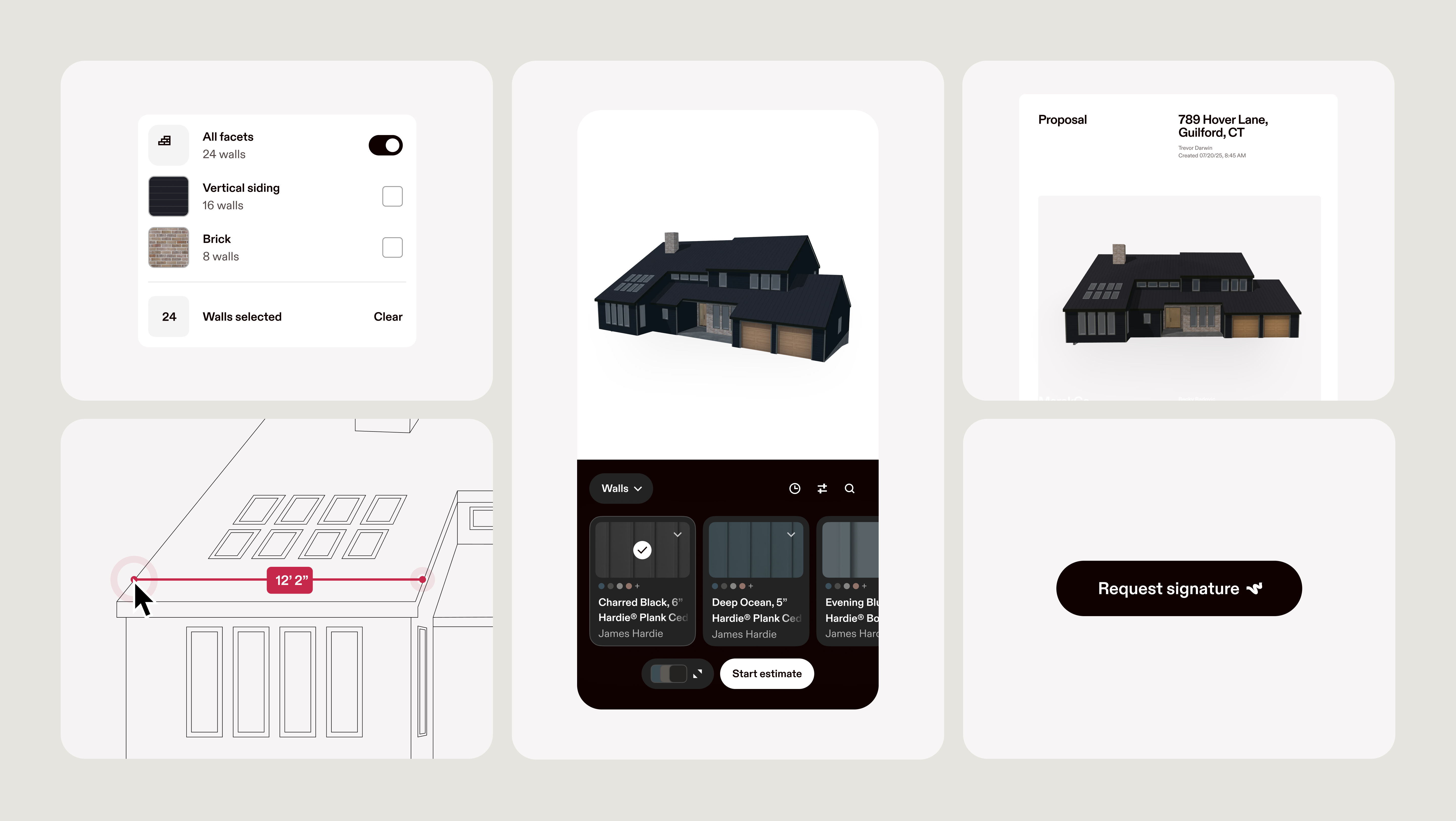
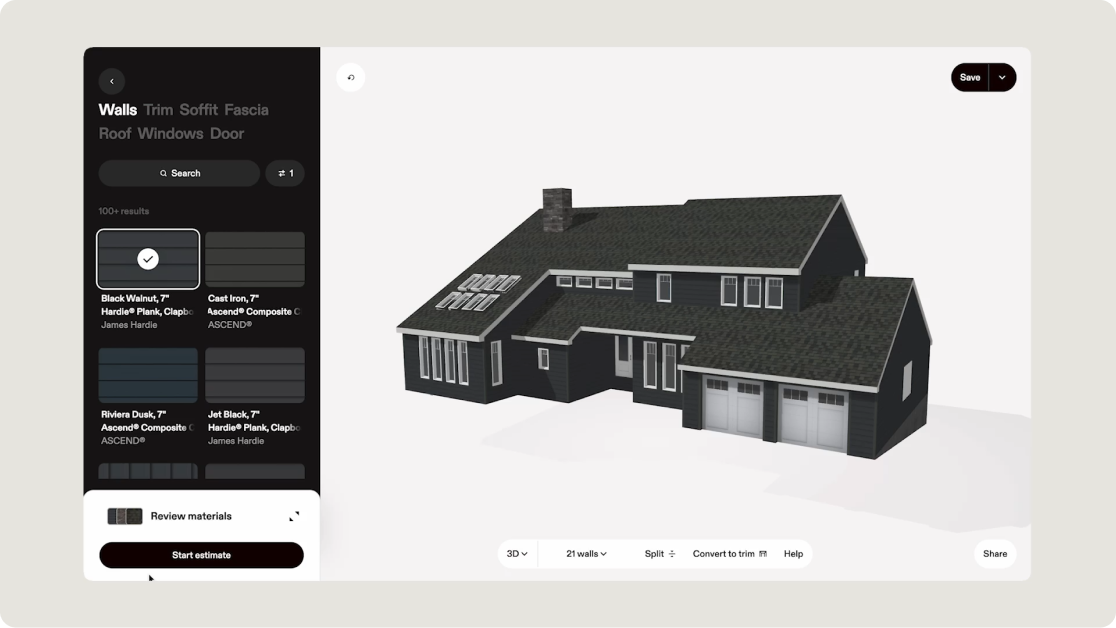
Hover gives contractors the property information they need before a project moves into scheduling and project management. A phone scan creates a 3D property record with Hover Measurements for the roof, siding, soffit, fascia, trim, gutters, windows, and doors. Contractors can then use Hover Estimates to turn those measurements into pricing and production-ready material lists.
- Scan the exterior. Walk the property and take overlapping photos of every side of the structure.
- Review the 3D model. Hover transforms the photos into a 3D model of the home and derives the exterior measurements.
- Build the estimate. Hover Measurements powers accurate estimates, reducing manual re-entry.
- Generate the material list. Hover’s construction takeoff software uses those measurements to produce order-ready quantities for siding and roofing projects, with your waste factor applied once.
- Send it to the platform you manage projects in. JobTread, AccuLynx, JobNimbus, and ServiceTitan receive the measurements directly. Supported integrations can pass Hover measurement data into the project platform, reducing manual transfer between systems.
The order matters. A platform that receives measurements automatically removes the step where a roof plane gets transposed between an estimate and a purchase order, which is the error that shows up as a short material order on a Friday.
How much does project management software cost for a contracting business?
Pricing splits evenly into two groups. Houzz Pro, JobTread, Contractor Foreman, and Jobber publish their plans. Buildertrend, AccuLynx, JobNimbus, and ServiceTitan quote by request.
Read the model before the number, because the models are not comparable. Four shapes cover this category:
- Tiered plans banded by user count. A plan includes a set number of seats and charges a monthly rate per additional user above it. Houzz Pro, Contractor Foreman, and Jobber work this way.
- Flat monthly base plus per internal user. One base fee covers the first user. Each additional internal user carries a monthly charge, often with volume breaks. This is JobTread's model, and vendors, subcontractors, and homeowners are not charged as users.
- Quote by request, with unlimited users. The subscription is negotiated, and headcount does not change it. Buildertrend describes its plans this way.
- Quote by request, priced per technician or per seat band. The price tracks the size of the field or sales team. ServiceTitan prices per technician; JobNimbus quotes against four seat bands.
Headcount can be one of the biggest variables in total software cost, especially on per-user or per-technician plans. Construction is a crew-heavy industry: of 8.34 million construction employees in July 2026, 6.05 million were production and nonsupervisory workers, according to the Bureau of Labor Statistics. Whether your field crew needs a paid seat, or only office and sales staff do, changes the real cost of a per-user platform more than the headline rate does. Ask every vendor the same question: which of my people has to be a paid user?
Connect your measurements to the platform you already run projects in
If your project management platform connects with Hover, you can carry property measurements into the system your team already uses.
The key distinction in the comparison above is whether Hover Measurements enter the platform through a direct integration or need to be transferred manually. JobTread, AccuLynx, JobNimbus, and ServiceTitan read Hover Measurements directly, so the quantities in your estimate are the quantities in your budget. Sign up, scan a project you already have on the books, and send the measurements through to the platform your crew works in. Hover for roofing contractors shows the same workflow end to end.
Frequently Asked Questions
Is Hover project management software?
No. Hover is a property measurement, design, estimating, and takeoff platform. Project management software handles scheduling, job costing, subcontractors, purchasing, and production after the job moves forward. Hover can connect property measurements into supported project management platforms to increase close rate, win bigger contracts, and upsell premium products.
Which project management platforms integrate with Hover?
JobTread, AccuLynx, JobNimbus, and ServiceTitan connect with Hover directly. Hover's integration directory also lists CRM, estimating, and field documentation connections, including Leap, Builder Prime, One Click Contractor, Salesforce, and CompanyCam. The ServiceTitan connection requires a Hover Scale or Transform membership.
What is the difference between project management software and estimating software?
Estimating software prices the work before it is sold: quantities, material and labor costs, and the number the homeowner sees. Project management software runs the work after it is sold: the schedule, the subcontractors, the purchase orders, and the budget against actuals. Some platforms include both functions, but the depth of estimating, takeoff, and project-management features varies by vendor.
Does a small contracting business need project management software?
A small contracting business may not need dedicated project management software immediately. The need usually grows as the team adds employees, concurrent jobs, subcontractors, change orders, or more complex scheduling. Compare the monthly software cost against the time and errors created by managing those workflows manually.
Can project management software import measurements automatically?
Some can. JobTread, AccuLynx, JobNimbus, and ServiceTitan read Hover Measurements directly, so roof planes, siding areas, and opening counts land on the project without retyping. When a direct integration is not available, measurements may need to be transferred through file exports or manual entry depending on the platform’s workflow.